
app
Resetting Projects
To reset a project, press the rewind button at the bottom of the screen in the project overview.
To reset it, just like when deleting, a 4-digit numerical code must be entered.
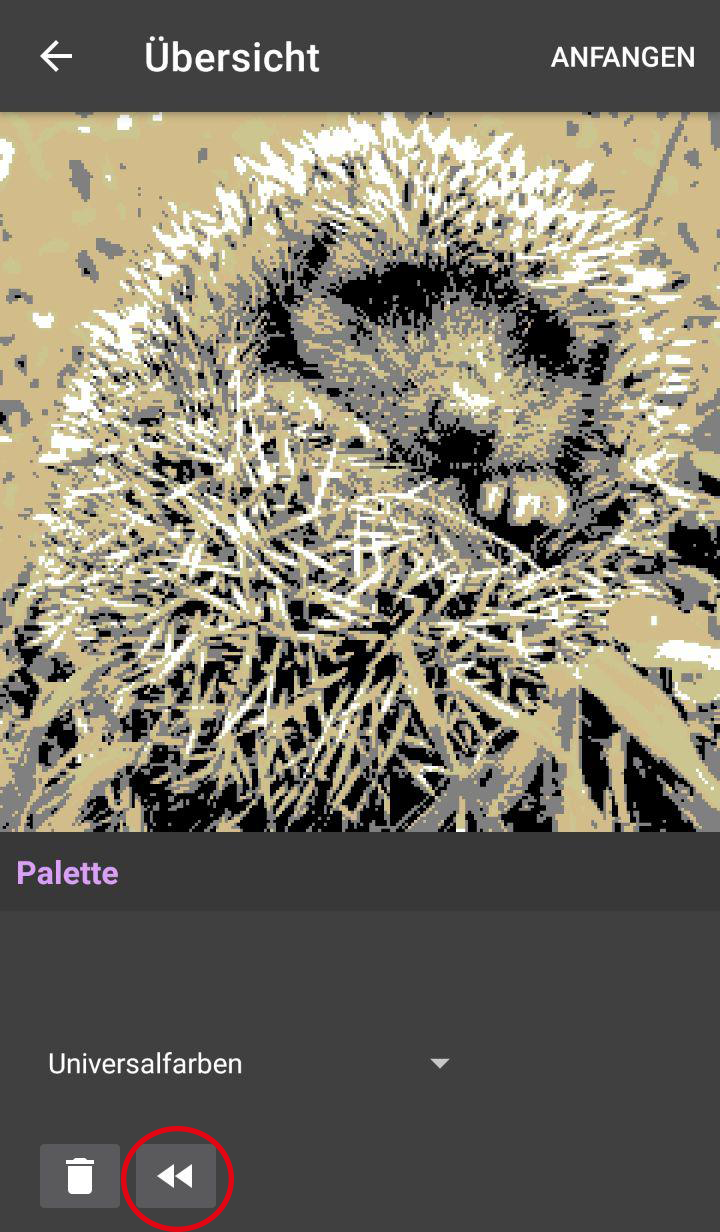
After the reset, you only go through the handedness selection again. The craft type or technique cannot be changed there. Project settings related to the image, such as format or gauge swatch, cannot be changed again either. Please create a new project for that.